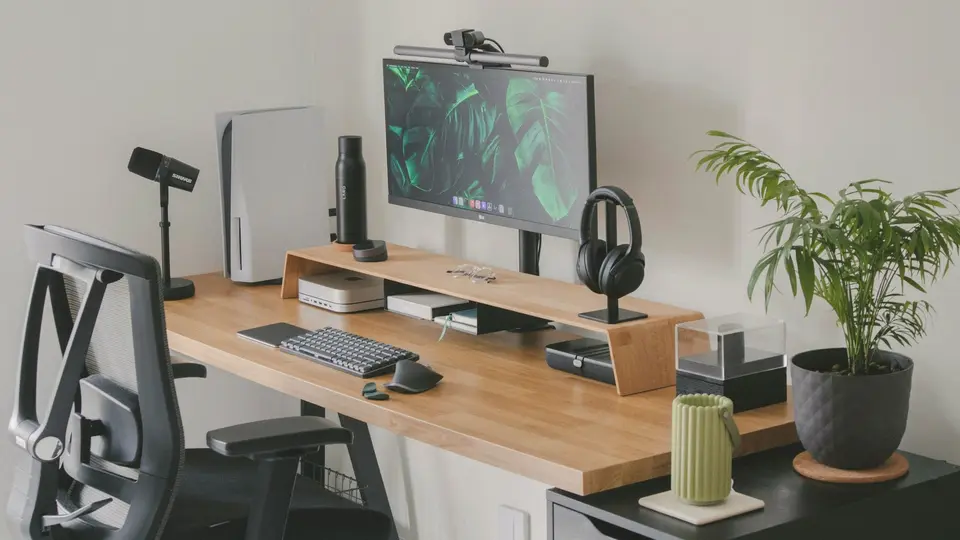
A mini PC for parents and seniors
Updated: 28 November 2026 · Contains affiliate links (aff).
Is there still an old, noisy desktop under your parents’ or grandparents’ desk? Then a mini PC is a big step up. It is small, almost silent, uses little power and starts quickly. E-mail, browsing, looking at photos, video calls and online banking don’t need an expensive computer. What matters more is that everything is set up simply and safely.
Our picks
| Situation | Pick | Price (guide) | Why |
|---|---|---|---|
| Most people | Beelink EQ14 | about €200 | Quiet, frugal, enough for e-mail, browsing, photos and video calls |
| A bit faster, for years | Beelink EQi 304 | from €444 | Faster with many tabs, 3-year Beelink warranty |
| Family with an iPhone or iPad | Apple Mac mini M6 | €1,069 | Works seamlessly with iPhone and iPad, nearly silent |
| As cheap as possible | Lenovo ThinkCentre M920q (refurbished) | €160–290 | Solid business PC with the seller’s warranty |
What to look for
- A good screen, keyboard and mouse. That is where most of the ease of use comes from. Choose a 24- or 27-inch screen and make text a bit larger (in Windows: Settings › Accessibility › Text size). A keyboard with large, clear letters helps too.
- A webcam and speaker. A mini PC has no built-in camera. For video calls with the grandchildren you need a separate webcam, or a screen with a built-in camera and speakers.
- Remote help. Agree on how you can take a look when something goes wrong. Windows has the Quick Assist app for this; on a Mac you can share your screen via FaceTime. Try it together before you really need it.
- Automatic updates and backup. Let Windows or macOS updates install automatically, and back up photos automatically to cloud storage (such as OneDrive or iCloud) so nothing gets lost.
- Safety. Explain what phishing e-mails and fake messages from “the bank” look like. A password manager, or the browser’s built-in password storage, stops the same password being used everywhere.
Windows or Mac?
Does the rest of the family use an iPhone or iPad, and are you the regular helpdesk? Then a Mac mini is often simplest: photos from the iPhone appear on it automatically and the system is easy to find your way around. If the family uses Android and Windows, or the budget is tight, choose a Windows mini PC such as the Beelink EQ14. Not sure? Read our comparison Mac mini M6 or a Windows mini PC.
What does it cost in electricity?
Very little. A frugal mini PC like the EQ14 costs only a few euros a year in electricity at a few hours of use a day, far less than an old desktop. The pricewatch shows each model’s yearly electricity cost.
As a gift?
A mini PC makes a nice Christmas present. Set it up beforehand: create the account, install the updates, and put shortcuts to the most-used websites on the desktop. More tips in our gift guide. Not sure which model? Try the quiz.